Posts

Showing posts with the label Disable-AutoUpdate

How to Turn off / Disable Automatic Updates in Windows 10

Image
From Windows 10, Microsoft made Operating system to automatically check and install all the updates  automatically. Windows 10 automatically receives all the new updates by default.But some time because of some reason may be if you have limited internet connection you may not want to update your Windows 10 Operating system. Some of the Windows 10 Editions like Professional and Enterprise have access to group policy and registry settings to delay the Updates. But For windows Home users do not have direct option to turn off downloading Automatic Updates. We have a way to stop updates from automatically downloading using the metered connection option. Steps to Prevent windows to download Updates automatically: Step 1:  In start menu go to Windows Settings and click Network and internet. In that open Wireless network setting by clicking Wi-Fi link in left menu or you can simply search for Change Wi-Fi settings in Start Menu or Cortana. Step 2: Click Advanced Options/ ...
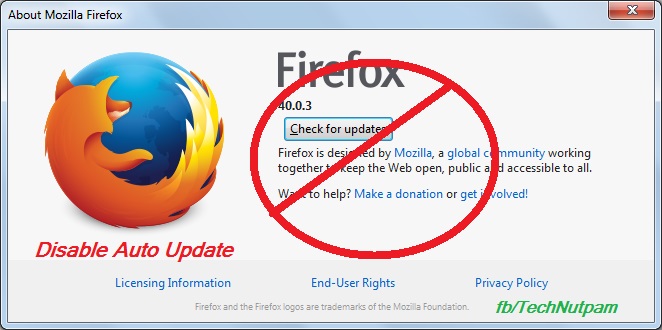
How to disable / prevent automatic updates in Firefox browser

Image
Mozilla always releases updates to add new features / solve security issues that exist in older versions of Firefox. In Firefox by default it may update automatically and install a newer version. When that happens, some of your add-ons may stop working. Some time because of our internet connection you may want to stop auto updates. Bellow are the steps to prevent automatic updates in Firefox browser. 1.  In Firefox menu bar Click Tools menu and select Options.  If you are not find menu bar then Press Alt+T in keyboard to get Menu bar. Else you can use Firefox's Open menu short-cut  in the top right side of fire fox then select "Options" Or type "about:preferences" in Firefox address bar 2. Click “Advanced” menu in Options 3. Select update Tab in “Advanced” menu 4. Now select "Never check for updates (not recommended: security risk)" options under Firefox updates. You can also select "Check for updates, but let me choose whe...