Posts

Showing posts with the label Windows 10

Windows 10 – How to turn off web search in the start menu
Image
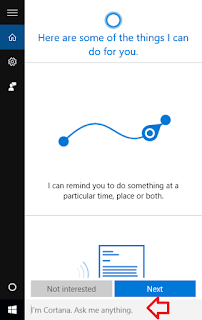
When using Windows 10 search by default the results will include web search results using Bing along side the matching results for files, folders and programs on the computer. Most of the time we may not want to get the result from web. Follow below simple steps to disable the web search results in windows 10 start menu 1. Click in the search box 2. In the left hand side click on the settings icon 3. Change ‘Search online and include web results’ to ‘off’ 3. Search results will now online include only local results inside out computer and web results will be disabled.

How to Turn off / Disable Automatic Updates in Windows 10

Image
From Windows 10, Microsoft made Operating system to automatically check and install all the updates  automatically. Windows 10 automatically receives all the new updates by default.But some time because of some reason may be if you have limited internet connection you may not want to update your Windows 10 Operating system. Some of the Windows 10 Editions like Professional and Enterprise have access to group policy and registry settings to delay the Updates. But For windows Home users do not have direct option to turn off downloading Automatic Updates. We have a way to stop updates from automatically downloading using the metered connection option. Steps to Prevent windows to download Updates automatically: Step 1:  In start menu go to Windows Settings and click Network and internet. In that open Wireless network setting by clicking Wi-Fi link in left menu or you can simply search for Change Wi-Fi settings in Start Menu or Cortana. Step 2: Click Advanced Options/ ...