Posts

Showing posts with the label MOBILE

Differences Between GPRS, EDGE, 3G, HSPDA, HSPA+ And 4G LTE

Image
While connecting to a internet network with your mobile phone you may see various symbols like E, 3G, H, H+, LTE but some people may not know what are the differences between these symbols E, 3G, H, H+, LTE. Here I am  sharing my little knowledge about this topic in case you might confused about it too like me :). E - EDGE 3G - 3rd Generation H - HSDPA H+ -HSPA LTE - 4G Long Term Evolution These are the different generations of wireless communication technology categorized based on the Speed range and it simply refers 1G, 2G, 3G, 4G etc. Bellow are the Differences Between GPRS, EDGE, 3G, HSPDA, HSPA+ And 4G LTE networks GPRS (General Packet Radio Service)  General Packet Radio Service (GPRS)  is a packet-based wireless communication service. In Packet based communication data is broken into packets before being transmitted to the network.  It is a 2G (2nd Generation) technology network that supports the download speed of up to 114Kbps. The main lim...

How to Prevent / Turn Off In-App Purchase in Android phones and Tablets

Image
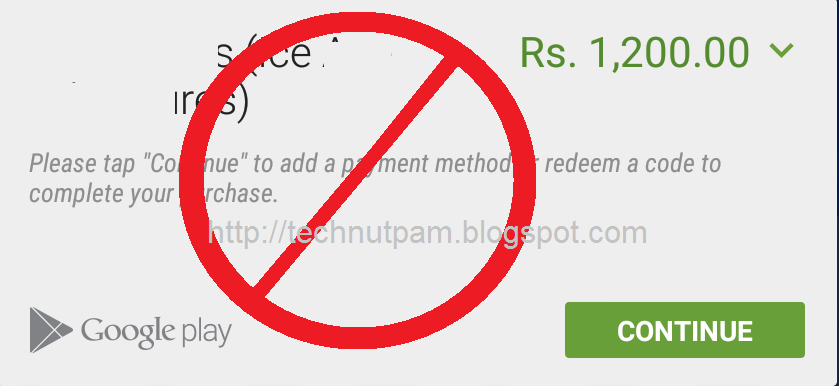
In Android devices there is no direct option to disable in-app purchases. But this method will ensure that you have to enter your Google account password before buying anything for both paid applicaion and in-app Purchases through Google play store Follow the bellow steps to Turn Off In-App Purchase in Android phones and Tablets Step 1 : Open Google Play store and tap the hamburger icon three horizontal lines on the top-right corner. Step 2 : Tap Settings in the menu Step 3 : Tap Require authentication for purchases under user controls menu Step 4 : Select For all app purchases through Google Play on this device option from the Require authentication popup . Step 5 : Enter your Google account password then tap OK . By using this method you can protect In-App Purchases in Any Android phones and Android  Tablets which running in any version of android. If you Like this post please share with your circle.

How to Enable / Disable or Remove WhatsApp Blue Tick marks (Read Receipts) for Read Messages

Image
WhatsApp recently introduced new update for android and iPhones to show two blue check marks (tick marks) next to the messages if the recipient has read your message. This feature is added with no privacy setting to disable read receipts.  Now In the latest version of WhatsApp (version 2.11.452) giving feature to enable or disable Blue Tick marks (Read Receipts). This Latest WhatsApp version 2.11.452 available to download in WhatsApp Official website. Following are the simple Steps to enable or disable Blue Tick marks  (Read Receipts) in WhatsApp. Step1: Go to the WhatsApp Official website ( www.whatsapp.com/Android/ ) and download the Official WhatsApp APK file. Step2: After download the apk enable installation of apps in settings. To enable,             Go to settings menu and enable ' Allow installation of apps from Unknown Sources ' in the Security tab under Unknown Sources. Step3: Inst...